Change furniture

Change the furniture in your photo

Try new furniture and decor in a room that is already furnished. Tell us what to change and what to keep. We compare the result with your original photo.

Try 3 images free See how we check images

Try 3 images free. No card needed · each result checked · original kept.
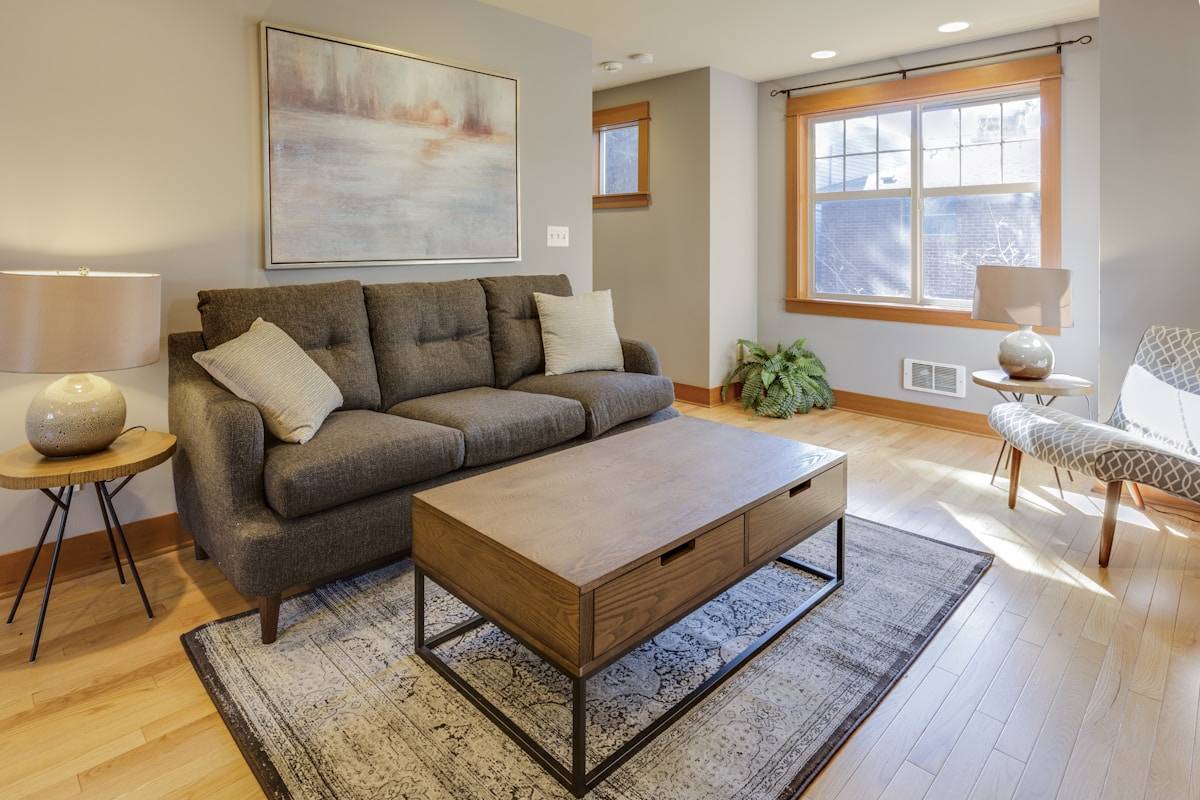
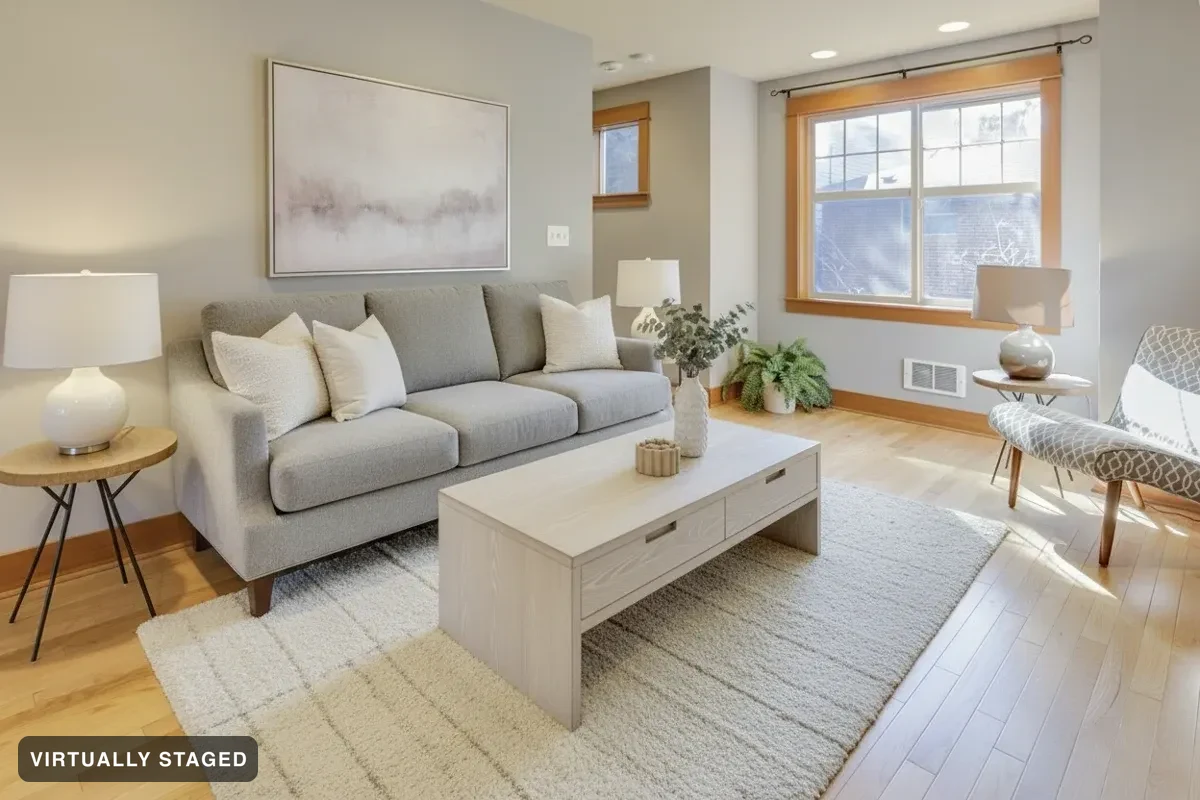
A furnished living room with a grey sofa, a wooden coffee table and an armchair The same living room with the furniture replaced in Nordic Light OriginalNordic Light · virtually staged

Try new furniture in your room

Choose what to replace

Change furniture, rugs, lamps, plants, art and small decor. Tell us which items to keep.

Find a style you like

Choose from light, warm, colourful or darker looks. Style images are ideas, not a catalogue of products to buy.

Keep the label and original

A restyled photo is a virtually staged photo. The label is saved on the image and the original is kept beside it, exactly as with an empty room.

Every result gets checked

Our AI compares your image with the original to check walls, windows and doors. It can miss details, so check both images. Personal designs may include review notes. Listing images have stricter checks and disclosure labels. Renovation concepts are not for listings. See three failed examples →

Try 3 images free

Questions

What if the room is already furnished and occupied?

Use Change furniture for a furnished room. Tell us what should change and which items to keep.

What does the image check do?

Our AI compares your image with the original to check walls, windows and doors. It can miss details, so check both images. Personal designs may include review notes. Listing images have stricter checks and disclosure labels. Renovation concepts are not for listings.

Is AI staging allowed on the MLS?

Check the rules of your local real estate board before posting. Sedam checks listing images, adds a “Virtually staged” label and keeps the original. Your property photo files include sample wording to explain the changes.